See further.

A clearer view of safety across your people and projects.

Panora keeps safety information close to the work: project guidance, permits and forms, incident reports and the records behind them, on the phones people already carry.

The day's safety work, in one place.

  1. Prepare for the job.

    Project pages hold the guidance, documents and contacts a crew needs before work starts.

  2. Document and check the work.

    Digital forms and permits with configured checks. A stop rule can refuse a submission when its conditions are met.

  3. See what remains open.

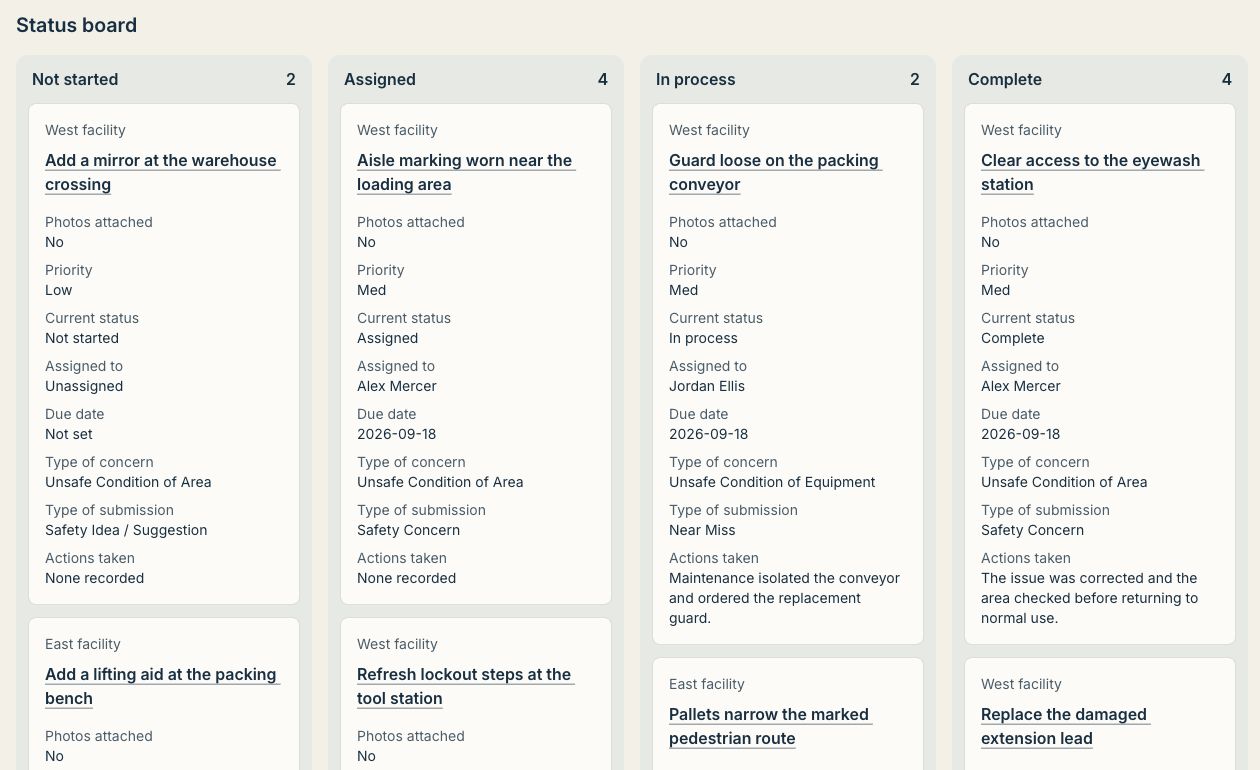
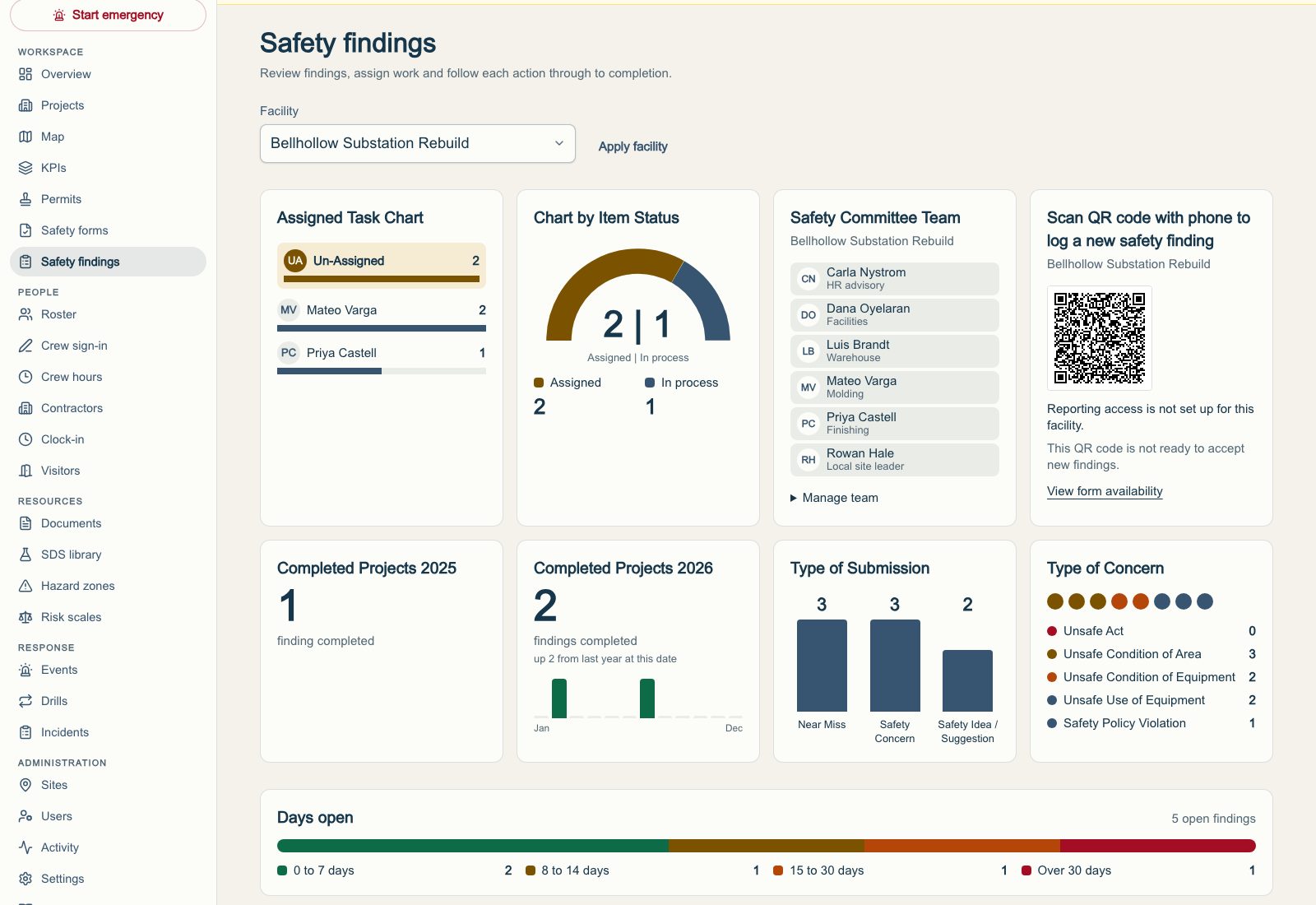
    Today's open permits and submissions for a project, in one view.

  4. Keep a traceable record.

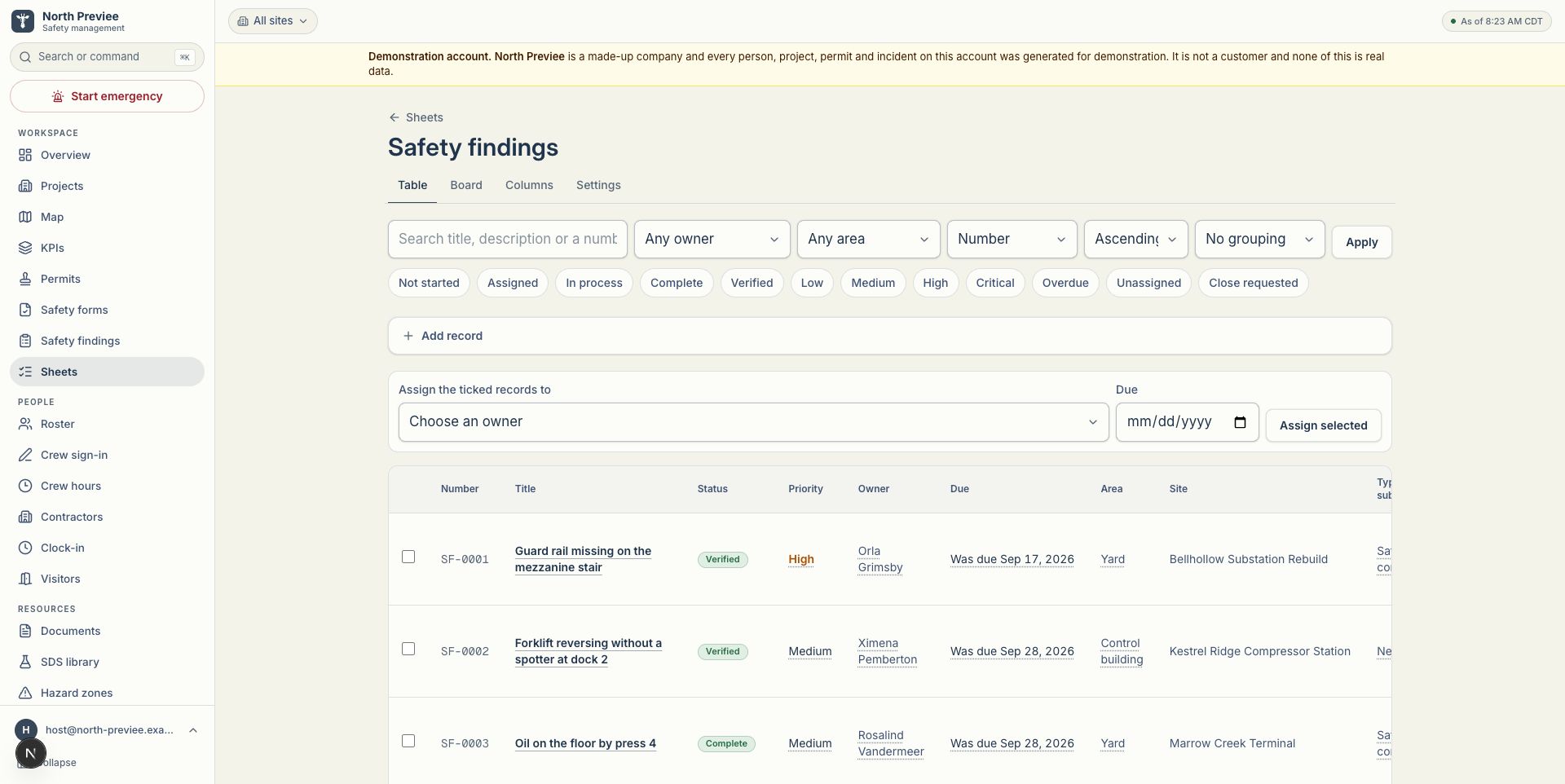
    Every submission is filed as a record that shows who, when and what.

  5. Account for people during an event.

    Check-in, attendance visibility and reports when an emergency event is called.

Six areas. One record.

Choose an area.

Project safety hubs
Company and project pages bring project-specific information and documents together.
Plainly: Project search is built in. A safety-focus panel depends on the content your team supplies.
Digital forms and permits
Field records with configured checks and traceable submissions.
Plainly: Stop rules are configured checks. They are not a promise that unsafe work cannot happen or that a regulation is met.
Open-work visibility
Still-open permits and submissions for a project, today.
Plainly: It shows what is open. It is not a full corrective-action system.
Incident reporting
Record incidents and attach supporting evidence within the right organization and site.
Plainly: Incident classification and KPI inputs depend on the deployed version.
Emergency accountability
Event check-in, attendance visibility and reports.
Plainly: Location is verified at check-in. Panora does not track people continuously and does not draw geofences.
Phone-friendly field access
Project information and saved local answer drafts on a phone.
Plainly: Visited pages and drafts are cached. Submitting still needs a connection and a person pressing submit.

A permit that says no.

A stop rule is a check your safety team configures. When its conditions are met, the permit refuses to submit and says why.

Confined space entry permit

Vessel V-4, north yard

19.1 %
Out of range. Range 19.5 to 23.5 %

Move the reading. The rule decides.

LEL
0 %
Range below 10 %
H2S
0 ppm
Range below 10 ppm

Refused. Oxygen 19.1 % is below the configured limit of 19.5 %. This permit cannot be submitted until the reading is within range.

Illustration with fictional data. Stop rules refuse a submission when their configured conditions are met.

Built for a phone in a glove.

No app to install. A crew opens the project from the QR code on the site poster, fills the form, and the answers save locally while they work.

Plainly: Cached pages and drafts are not offline operation. Submitting needs a connection.

Illustration with fictional data. Answers are saved on the phone while the form is filled; submitting still needs a connection.

Scan to explore Panora

panorasafety.com

Illustration of a fictional site poster. This code opens the Panora homepage.

Records you can stand behind.

  1. Who

    Crew lead, badge 0417

  2. When

    Tue 09:42

  3. What

    Confined space entry, V-4

  4. Filed

    As a PDF

Illustration with fictional data. A filed record shows who, when and what.

Every filed submission shows who, when and what, and can be exported as a PDF that reads the way the form was designed to read.

Your records live in a database encrypted at rest, and each organization sees only its own.

Records are not rewritten when the product changes. Provenance stays as it was.

When an event is called, the board fills itself.

Check-in from any phone, attendance visibility for the person running the event, and a report when it ends.

Plainly: Location is verified at check-in. Panora does not track people continuously.

Illustration: awaiting check-ins.

  • 0401Not yet
  • 0402Not yet
  • 0403Not yet
  • 0404Not yet
  • 0405Not yet
  • 0406Not yet
  • 0407Not yet
  • 0408Not yet
  • 0409Not yet
  • 0410Not yet
  • 0411Not yet
  • 0412Not yet
  • 0413Not yet
  • 0414Not yet
  • 0415Not yet
  • 0416Not yet
  • 0417Not yet
  • 0418Not yet
  • 0419Not yet
  • 0420Not yet
  • 0421Not yet
  • 0422Not yet
  • 0423Not yet
  • 0424Not yet
Illustration with fictional data. Attendance visibility depends on people checking in.

The platform grows with the work.

Panora is built alongside the crews and safety leads who use it. What the field asks for ships as it is ready, and every release keeps the records that came before.

Recently shipped

  1. September 2026Incident types and KPI inputs on the incident form, with a KPI tab on the roll-up.
  2. September 2026A stop rule can check how old a gas monitor's calibration date is.
  3. September 2026Permit progress is shown while filling, and saved copies are offered explicitly.
  4. September 2026Find a project, and its open permits, from its site page.
  5. September 2026Each organization sets its own safety focus of the month.
  6. September 2026A refused permit now says plainly that it exercised Stop Work Authority.

Planned, not shipped.

A view across organizations, map-based project navigation, weather and lightning alerts, and voice-assisted documentation are on the roadmap. They are listed here so nobody mistakes them for today.

A sketch of where we are heading, not a screen of the product.

See it on your own project.

Tell us the kind of work you do and what you want to see. A person replies by email.